
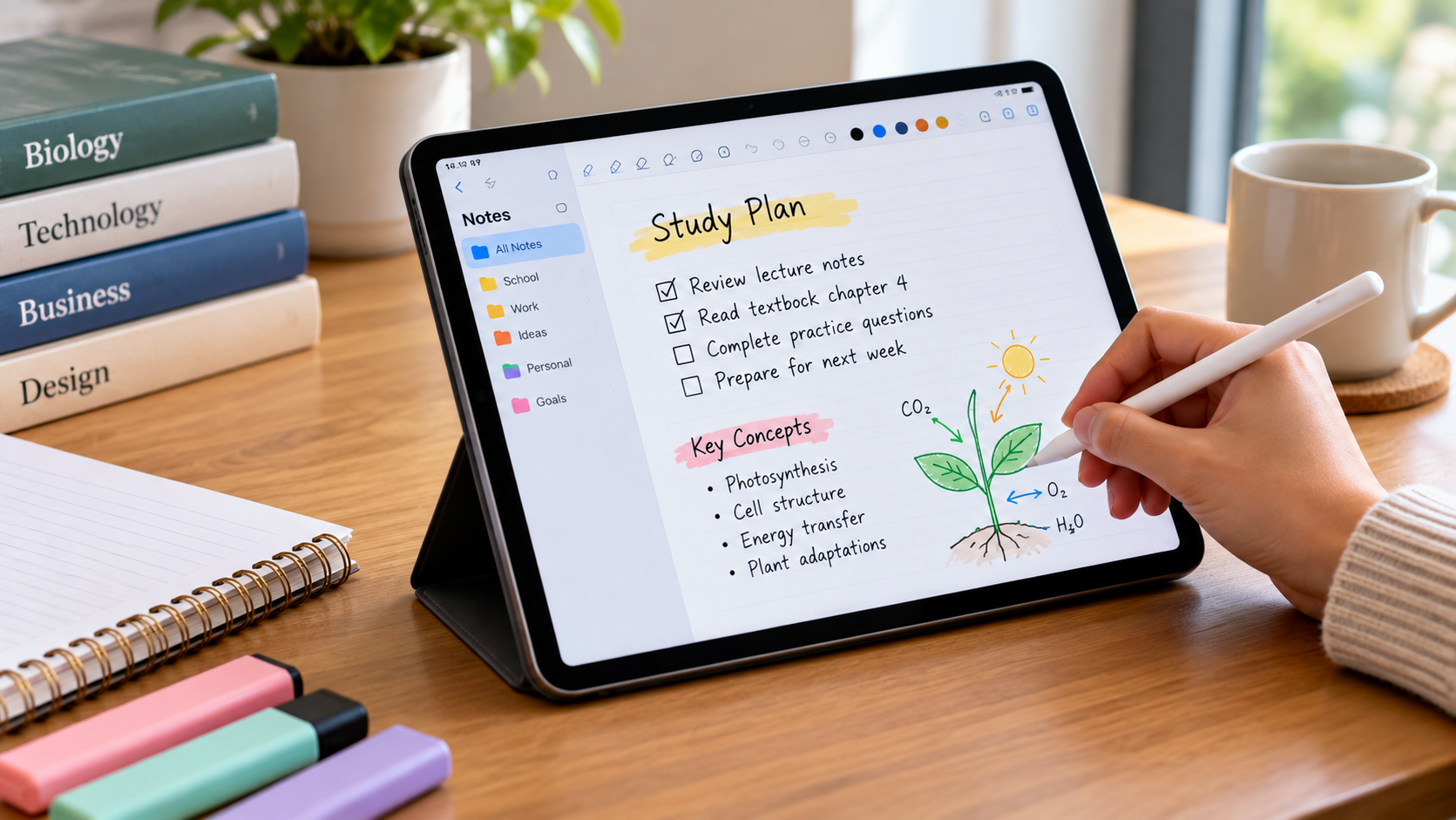
Finding the right tablet for note taking can make studying, attending meetings, and organizing information much easier. Modern tablets allow users to write handwritten notes, annotate PDFs, organize documents, and access important information without carrying multiple notebooks.
In 2026, Apple, Samsung, reMarkable, and other manufacturers offer excellent options for different budgets and requirements.
Why Choose a Tablet for Note Taking?
A digital note-taking tablet combines traditional handwriting with modern technology.
Instead of managing paper notebooks, students and professionals can keep their notes organized in one device.
Many tablets support handwriting recognition, cloud synchronization, and document annotation.
Some also provide distraction-free writing environments, making them particularly useful for focused studying and professional work.
Best Tablets for Note Taking in 2026
1. Apple iPad Air M4 – Best Overall
The Apple iPad Air M4 is an excellent choice for students and professionals who need a versatile device.
Available in 11-inch and 13-inch versions, it supports Apple Pencil Pro and popular applications such as Goodnotes, Notability, and OneNote.
Its powerful processor supports multitasking, research, and document editing.
However, the Apple Pencil is purchased separately, increasing the total cost.
2. Samsung Galaxy Tab S11 – Best Android Option
The Samsung Galaxy Tab S11 is a strong alternative for Android users.
It includes an S Pen, allowing users to begin writing without purchasing an additional stylus.
Samsung Notes provides handwriting tools, document organization, and useful productivity features.
Its AMOLED display also makes reading and reviewing documents comfortable.
3. reMarkable Paper Pro – Best for Focused Writing
The reMarkable Paper Pro is designed for people who prefer a paper-like writing experience.
Its color E Ink display supports handwriting, reading, and PDF annotation.
Unlike conventional tablets, it emphasizes distraction-free productivity rather than entertainment applications.
This makes it suitable for writers, researchers, and professionals who spend substantial time reviewing documents.
4. Amazon Kindle Scribe – Best for Reading and Notes
The Kindle Scribe combines digital reading with handwritten note-taking features.
Users can create notebooks, write personal notes, and organize ideas using its compatible pen.
Its E Ink display offers a reading experience similar to paper.
It is particularly useful for people who regularly read ebooks and want note-taking capabilities.
Important Features to Consider
Before purchasing a tablet for note taking, compare the following features:
- Stylus support: Choose a tablet offering accurate handwriting and palm rejection.
- Display quality: Look for comfortable screen brightness and sufficient writing space.
- Battery life: Longer battery life supports extended study sessions.
- Note-taking apps: Check compatibility with your preferred software.
- Storage capacity: Ensure sufficient space for notebooks and documents.
- Price: Include accessories and possible subscription costs.
Tablet vs. Traditional Notebook
Traditional notebooks are inexpensive, familiar, and do not require charging.
However, digital tablets offer advantages in organization, portability, and document management.
Students can search supported handwritten notes, organize subjects into folders, and access synchronized documents across devices.
The better option depends on personal preferences and study habits.
Which Tablet Is Best for Students?
The iPad Air M4 is a versatile choice for students who need note-taking, research, and entertainment features.
The Samsung Galaxy Tab S11 offers a convenient Android alternative with an included stylus.
For students who prefer focused handwriting without frequent notifications, an E Ink tablet may be more suitable.
Final Thoughts
Choosing the best tablet for note taking depends on your budget, preferred operating system, and everyday responsibilities.
The Apple iPad Air M4 offers excellent versatility, while the Samsung Galaxy Tab S11 provides strong Android productivity features.
Meanwhile, reMarkable Paper Pro and Kindle Scribe are attractive options for users who prioritize handwriting and reading.
A well-chosen tablet can simplify daily organization and make studying or professional work more efficient.
