
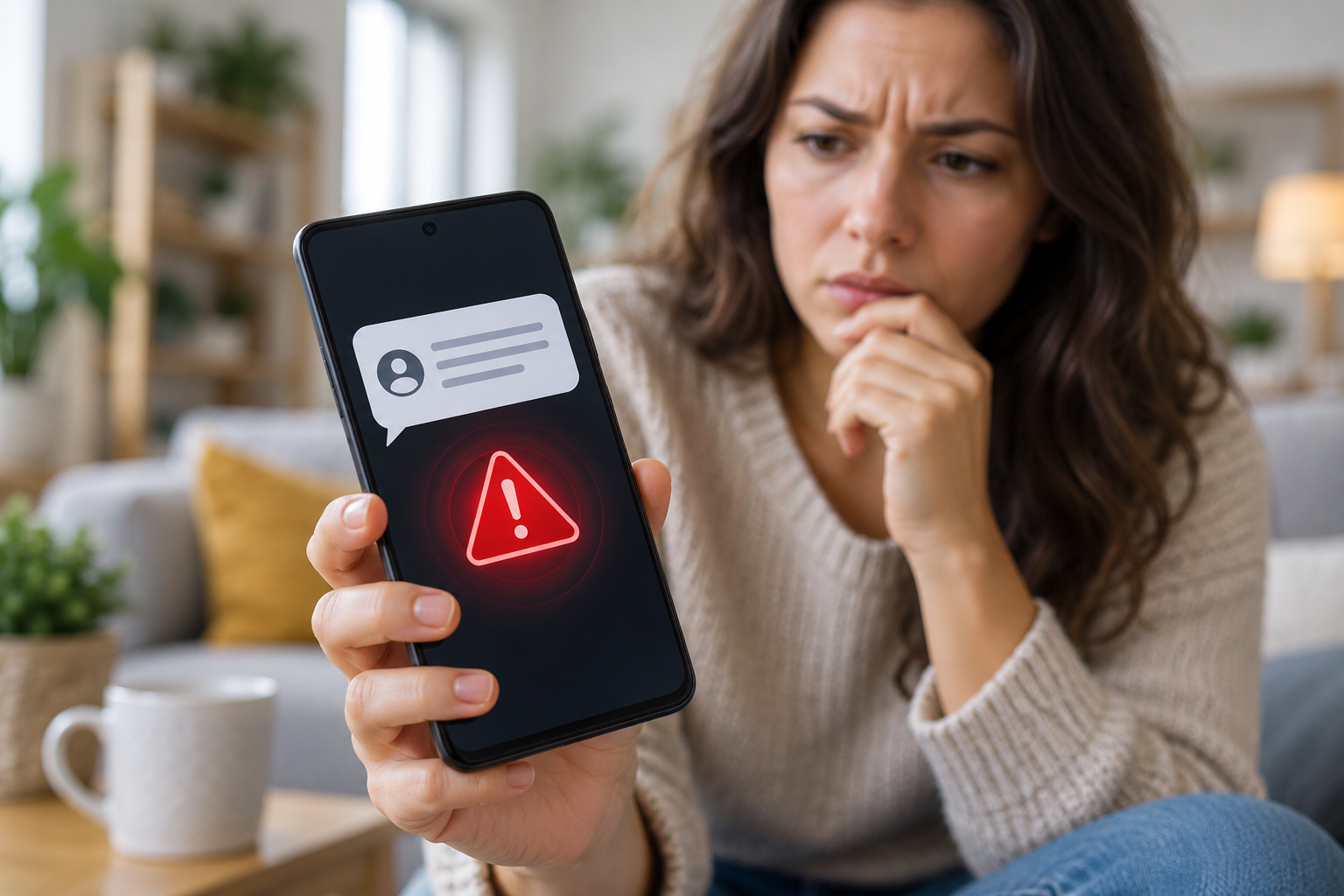
Fraudulent text messages can look like routine alerts from a bank, delivery company, government office, or online service. They may claim that a payment failed, a package is delayed, or an account will be locked unless you act immediately. Google warns that these scams are becoming more sophisticated, so Android is adding protections to help people recognize suspicious messages and links.
What Google’s Warning Means
Google says scammers may use fake phone numbers, convincing messages, and unfamiliar websites to steal personal information or money. Some scams begin with an ordinary conversation and gradually pressure the recipient to click a link, share a verification code, or make a payment.
On October 14, 2026, Google announced new Android scam defenses, including an optional Enhanced Protection mode for Google Messages. The feature is designed to assess conversations with unknown senders for signs of complex scams. Google also says it is improving checks for unfamiliar links and adding clearer warnings before users open them. Availability depends on the device and region, and some features are rolling out over time.
Google has also introduced Circle to Search guidance for suspicious texts on compatible Android devices. Users can select a message on screen to look for warning signs and suggested next steps. This can help with an unfamiliar message, but it should not replace careful judgment or direct verification with the organization involved.
Common Signs of a Fraudulent Text
A suspicious message often tries to rush you. It may threaten account closure, promise a prize, or claim that urgent action is needed to avoid a fee. Watch for links that lead to unfamiliar web addresses, requests for passwords or one-time passcodes, and demands for gift cards, cryptocurrency, or unusual payment methods.
A familiar company name or logo does not prove a message is genuine. Scammers can imitate trusted brands and make a text appear credible. If a message claims to come from your bank or delivery provider, open the official app or type the company’s known website address yourself. Avoid using the link or phone number supplied in the message.
How to Respond Safely
Pause before replying or tapping. Check the claim through a trusted channel, and never share a password, security code, or payment details because a text asks for them. If the message seems fraudulent, block the sender and report it as spam in Google Messages. Reporting also blocks the sender and moves the conversation to the Spam and blocked folder. Google notes that a spam report can share the sender’s number and recent messages with Google and your mobile carrier, so reporting is optional.
If you have already clicked a link, close the page and do not enter information. If you shared a password or financial details, contact the relevant service using its official app or verified phone number, change affected passwords, and check your account activity.
Google’s warning is a reminder to treat unexpected messages with care. Security tools can catch many suspicious patterns, but scammers change their tactics. Taking time to verify a message before acting remains one of the simplest ways to protect your money and personal information.
